
Shopify ran the most honest meeting experiment of the decade. In January 2023 the company deleted every recurring meeting with three or more people from the calendar, then watched what people voluntarily rebooked. The purge cleared roughly 12,000 events and, by the company’s own internal accounting reported widely at the time, freed something on the order of 322,000 hours across the organization. Most of those meetings never came back. Nobody noticed they were gone.
That is the uncomfortable part. Not that meetings are bad, but that a meaningful share of them exist because a calendar invite once got sent and nobody has revisited the decision since. McKinsey’s research on decision-making found that roughly 60 percent of senior executive meeting time could have been handled as a written update, and Harvard Business Review’s analysis by Leslie Perlow and colleagues documented senior leaders at one company spending the equivalent of two full days a week in meetings that participants themselves rated inefficient.
We plan hundreds of corporate meetings and multi-day programs a year, from a 40-person leadership offsite to a 900-person national sales conference. The difference between a room that hums and a room that drifts almost never comes down to the agenda template. It comes down to six decisions most teams make on autopilot. Here they are, written the way we would explain them over coffee, with the parts the standard advice hand-waves filled in.
Tip 1: Triage the meeting before you send the invite
Everyone says meetings are expensive. Almost no one does the arithmetic, which is why the expense stays abstract and the invite list keeps growing. You do not need a finance model. You need one number on a whiteboard: attendees multiplied by duration, expressed as person-hours.
Eight people in a 90-minute meeting is twelve person-hours. Run it weekly and you have committed more than 600 person-hours a year, which is roughly a third of a full-time employee’s annual capacity, spent on one recurring block. Say that sentence out loud in a leadership meeting and the “could this be a doc?” conversation gets a great deal easier.
The three-question triage
- Is real-time exchange required? If the content flows one direction, it is a document or a recorded update, not a meeting.
- Does a decision need to land today? If not, you are holding a check-in, and check-ins compress well into asynchronous threads.
- Are fewer than eight people genuinely needed? Past eight, you are running a broadcast with a Q&A attached. Structure it that way on purpose.
What to watch out for: do not weaponize the person-hour number to shame people out of raising their hand. The point is triage, not attendance policing. A costly meeting that lands a hard decision is a bargain. A short one that produces nothing is not.
Tip 2: Derive duration from the decision, not the calendar default
The “keep it to 30 minutes” advice everyone repeats is backwards. Duration should follow the kind of thinking on the table, not the granularity of your scheduling app. A brainstorm crammed into 30 minutes produces the first three obvious ideas and stops. A status sync stretched to 60 produces 60 minutes of status.
McKinsey’s decision-making research is useful here: cross-cutting decisions with five to seven engaged participants tend to move faster and land better than the same call with a dozen. Every attendee past seven measurably reduces the odds of a clean outcome. Amazon’s two-pizza rule was never a joke about catering.
Duration benchmarks by meeting type
- Information share — Length: 0 to 15 minutes · Format: pre-read plus live Q&A only · Decider: none needed
- Status or stand-up — Length: 15 minutes · Format: blockers only, no round-the-room theater · Decider: none needed
- Decision meeting — Length: 30 to 45 minutes · Format: options circulated 24 hours ahead · Decider: one named person
- Brainstorm — Length: 45 to 60 minutes · Format: silent ideation first, discussion second · Decider: facilitator only
- Strategic working session — Length: 90 minutes with a break at 45 · Format: working documents, not slides · Decider: named, announced up front
Split your agenda time roughly 20 percent context and 80 percent working toward the decision. If the whole block goes to updates, that was a memo with chairs.
What to watch out for: Parkinson’s law is not a metaphor. A 60-minute block fills 60 minutes whether or not the work requires it. Book 45 and the same output appears, slightly faster and noticeably sharper.
Tip 3: Match the structure to the meeting type
A board meeting and a daily stand-up are not the same animal, yet most guidance treats “a meeting” as one generic object with one generic fix. The structure has to shift with the type.
The six meetings you actually run
- 1:1: Owned by the direct report, not the manager. Their agenda, their priorities. Cancel it three times running and you have told them their career is optional.
- Stand-up: Fifteen minutes, blockers only. Standing up if the room allows, because chairs invite elaboration.
- Decision meeting: One named decider, a pre-read out 24 hours ahead, and a literal opening line: “We are deciding X today.”
- Brainstorm: Diverge before you converge. Silent written ideation for the first seven minutes, then discussion, or the loudest voice sets the frame and the best idea never surfaces.
- All-hands: Heavy on context and the why, light on granular functional updates. Live Q&A or do not bother gathering people.
- Board meeting: Materials out a week early, live time reserved for judgment and debate, never for reading slides aloud.
Type-specific design matters more, not less, once you scale into offsites and multi-day programs, which is where we spend most of our time on conference and meeting planning. A three-day leadership summit built on stand-up logic collapses by lunch on day one. We build those agendas in blocks with declared purposes, so a general session, a breakout, and a working lunch each carry a different rhythm and a different success measure.
What to watch out for: the hybrid all-hands that becomes a webinar nobody attends. If the only interaction available is a chat box scrolling past the presenter’s peripheral vision, you have built a broadcast. Either commit to live Q&A with a moderator reading remote questions aloud, or record it and give people their hour back.
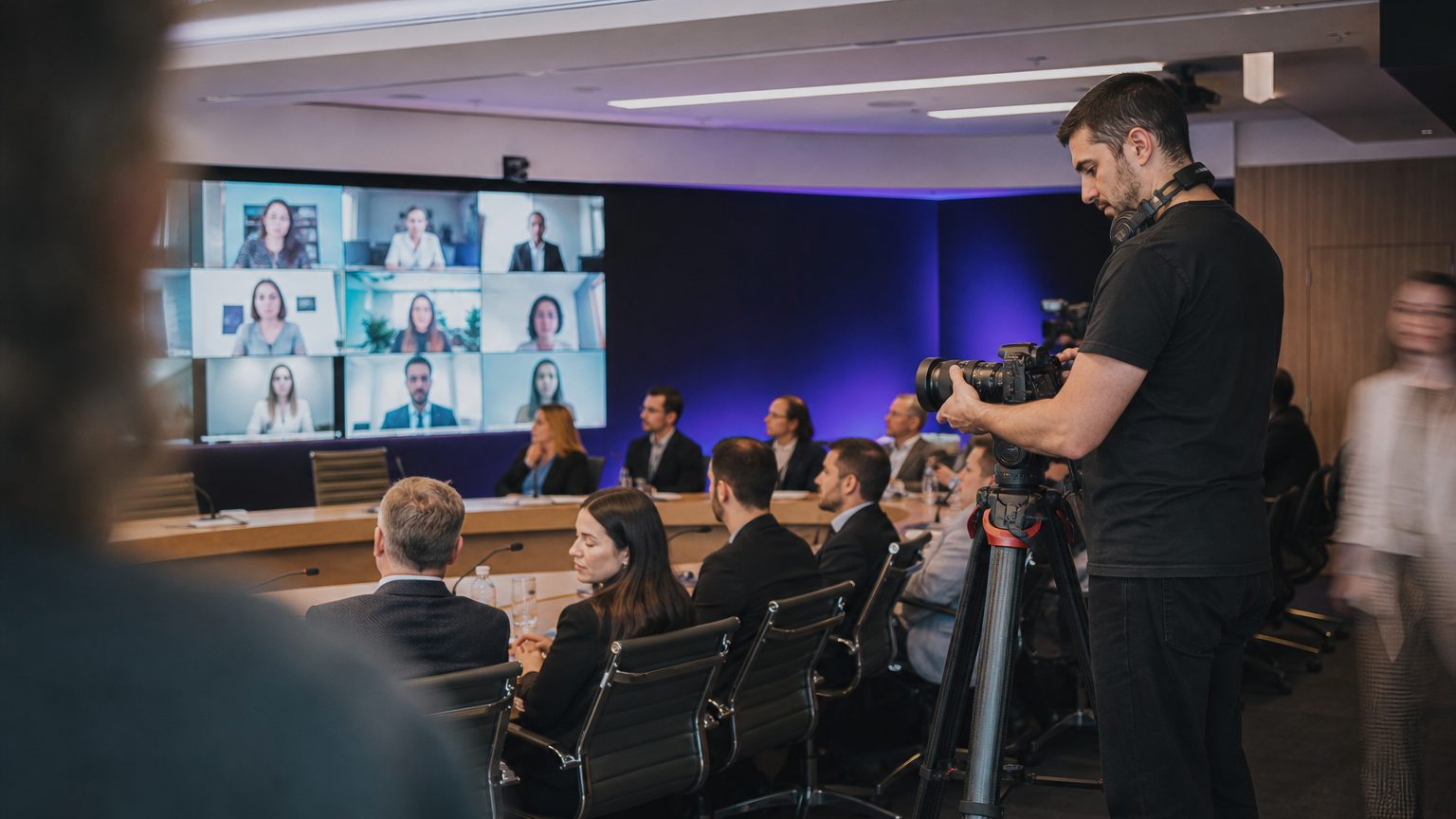
Tip 4: Design for hybrid parity, not hybrid tolerance
Hybrid is the default working model now, and most meetings are still designed as an in-room event with remote people watching through a keyhole. Research collected by Meeting Professionals International across its member community has consistently flagged engagement parity as the top unsolved problem in hybrid formats, and the room configuration is usually the culprit before the technology is.
Three moves that actually close the gap
- One person, one screen. If three people share a conference room camera, remote attendees see a wide shot of the backs of heads. Everyone joins from their own device with audio muted in-room, even the people sitting next to each other. It feels absurd for the first two minutes and then it works.
- Remote voices go first. In any round-robin, start with the remote participants. In-room attendees will always find the gap in conversation faster than someone on a 300-millisecond delay.
- Shared documents over shared screens. A live collaborative doc gives remote participants an equal editing surface. A screen share gives them a photograph of someone else working.
We apply the same logic when a conference includes a streamed component. The virtual and hybrid production side of our work exists mostly because clients discovered that pointing a camera at a ballroom is not the same as producing for two audiences. The remote audience needs its own host, its own chat moderation, and its own pacing.
What to watch out for: the side conversation. Two people in the room muttering about an agenda item, reaching a conclusion, and moving on is how remote participants get quietly written out of a decision. Name it when it happens. Politely, the first three times.
Tip 5: Manage the dominant voice before it manages the meeting
Here is the thing nobody wants to say at the leadership table: the highest-paid person in the room distorts the conversation just by having an opinion early. The effect is well documented and mercifully easy to counteract, but only if the facilitator does it deliberately.
Techniques that work in a real room
- Senior voices speak last. The executive states the question, then holds their view until everyone else has given theirs. This single change produces more genuine dissent than any amount of “we want your honest feedback.”
- Silent written ideation first. Five minutes, everyone writes independently, then contributions are read out or posted. You get the introverts’ ideas and you get them before groupthink sets.
- Anonymous polling for temperature checks. Especially useful when the real question is whether anyone actually supports the plan. A live poll showing 4 of 11 in favor ends a lot of theatrical consensus.
- Structured turn-taking with an explicit exit. Round-robin works, but give people permission to pass. Forced participation produces filler.
Use a named decision framework for anything consequential. RAPID or DACI both do the same essential job: they separate the people who provide input from the person who decides, in writing, before the meeting starts. Meetings cycle endlessly when nobody knows whether they are being consulted or being asked to approve.
What to watch out for: the false consensus of silence. Nobody objecting is not the same as everybody agreeing, especially in a hybrid room where objecting means unmuting and interrupting. Ask for the objection directly: “What is the strongest argument against this?” Somebody always has one.
Tip 6: Make follow-up mechanical, then audit the cadence quarterly
A follow-up with no named owner and no date has a completion rate that rounds to zero. That is not a motivation problem, it is a specification problem. Notes must go out within two hours while context is still warm, and they must contain exactly four things: decisions made, owner for each action, deadline for each action, and open questions explicitly parked with a date to revisit.
The quarterly calendar audit
Once a quarter, pull every recurring meeting on the team calendar and apply three tests. First, has this meeting produced a decision in the last eight weeks? Second, would anyone outside the meeting notice if it stopped? Third, is the attendee list the same as when it was created, and if so, why? Anything failing two of three gets cancelled for a month as an experiment, not deleted permanently. Trial separations are easier to approve than divorces.
The industry data supports the purge instinct. MIT Sloan Management Review’s research on meeting load found that around 70 percent of corporate managers described meetings as costly and unproductive, and Skift Meetings has tracked the same tension across the corporate events sector as organizations consolidate touchpoints into fewer, higher-value in-person gatherings. The consolidation logic is sound: the Incentive Research Foundation’s ongoing attendee studies keep showing that face-to-face time pays off when it is scarce and purposeful, not when it is constant and routine.
That is also the argument for putting real production weight behind the meetings that survive the audit. If a team kills 30 percent of its recurring blocks, the annual planning offsite carries more freight, and it deserves a proper agenda architecture instead of a conference room and hope.
What to watch out for: the zombie meeting that returns under a new name three weeks after you kill it. Usually it means a real coordination need existed and the original format was simply wrong. Ask what the resurrected version is actually solving before you cancel it a second time.
What to fix first for the 2027 planning cycle
If you do one thing before the 2027 calendar locks, run the quarterly audit described above on every recurring block your team owns, and do it before budget season rather than after. Cancelling meetings in January is a cultural statement. Cancelling them in November, when next year’s headcount and program calendar are being set, is a planning decision, and it lands very differently with finance.
Then apply duration-by-type to whatever survives. Those two moves together typically return more hours than any tool purchase, and neither requires a procurement cycle.
Bring the same rigor to your in-person programs
The teams that run tight weekly meetings tend to run tight conferences too, because the underlying discipline is identical: a declared purpose, the right people, a structure that matches the work, and a follow-up that names owners. When those programs get large enough that the logistics start eating the content, that is usually the moment to bring in help. Our team has spent years building agendas that hold up on day three. If you are scoping a 2027 conference, leadership summit, or sales meeting and want a second set of eyes on the agenda architecture before you book a single room, get in touch with us and we will walk through it with you.
Related reading: Drastically Improve Your Business Meetings with These 7 Tips, Great Ideas for Your Next Dinner Meeting: A 2027 Guide and How to Plan an All-Hands Meeting: A 2027 Operator’s Guide.