
The fastest way to tell whether a meeting will waste an hour of ten people’s time is to read the agenda before it starts. If it lists topics like “Budget” and “Q3 Updates,” you already know how it ends: a rambling forty-five minutes, one loud voice steering the room, and a vague promise to revisit it later. If it lists a desired outcome next to each item, a named owner, and a clock time beside that, the meeting tends to behave.
The cost of getting this wrong is not abstract. A widely cited Harvard Business Review analysis of meeting load found executives spend an average of nearly 23 hours a week in meetings, up from under 10 in the 1960s, and most leaders rate the majority of them as unproductive. Atlassian’s State of Teams research puts a sharper number on it: employees lose roughly 31 hours a month to meetings they describe as unproductive. Research out of the University of California, Irvine has found that a majority of workplace meetings run with no predefined agenda at all, which explains most of the rest.
So most posts will hand you a five-step listicle and a template. That is fine as far as it goes. The truth is closer to this: a good agenda is a decision-forcing document, not a table of contents. Below is how we build them: literal minute math, a script for what to say when an item blows past its time box, and a plan for measuring whether the agenda actually worked.
Start With the Outcome, Not the Topic
The single most useful move in agenda writing is also the least common. Before you list anything, write down what has to be true when the meeting ends. Not “discuss the budget.” Instead: “approve the Q1 marketing budget or identify the two numbers blocking approval.” That is an outcome. It tells everyone in the room what done looks like, and it quietly disqualifies half the tangents before they start.
Write each item as a question
Phrasing items as questions forces the same discipline from a different angle. “Customer satisfaction” is a topic you can talk about forever. “How do we cut first-response time from 14 hours to under 4 by the end of Q2 2027?” is a question with a finish line. When we plan multi-day programs and internal client meetings at our team, every working session gets a question at the top of the page. It changes who we invite, because the moment the question is specific, you can see exactly whose input it needs.
Add a “what we will NOT discuss” line
This one line saves more time than any facilitation trick. Parking-lot items, adjacent projects, the thing someone always brings up: name them at the top, out of scope, and point people to where those get handled instead. It reads slightly blunt on the page. In the room it is a gift, because it lets the facilitator redirect without having to relitigate whether the tangent matters.
Cut the invite list to match the question
Outcome-first agendas shrink attendance naturally. If the question is “which two vendors clear our ceiling,” the person who owns procurement needs to be there and the person who owns the newsletter does not. MPI education sessions have made this point for years in facilitation training: attendance is a cost, and the agenda is the only document that justifies it. Our rough test is whether each attendee either answers the question, decides on the answer, or has to execute the outcome. If none of the three applies, they get the notes instead.
Label Every Item: Decision, Discussion, or Information
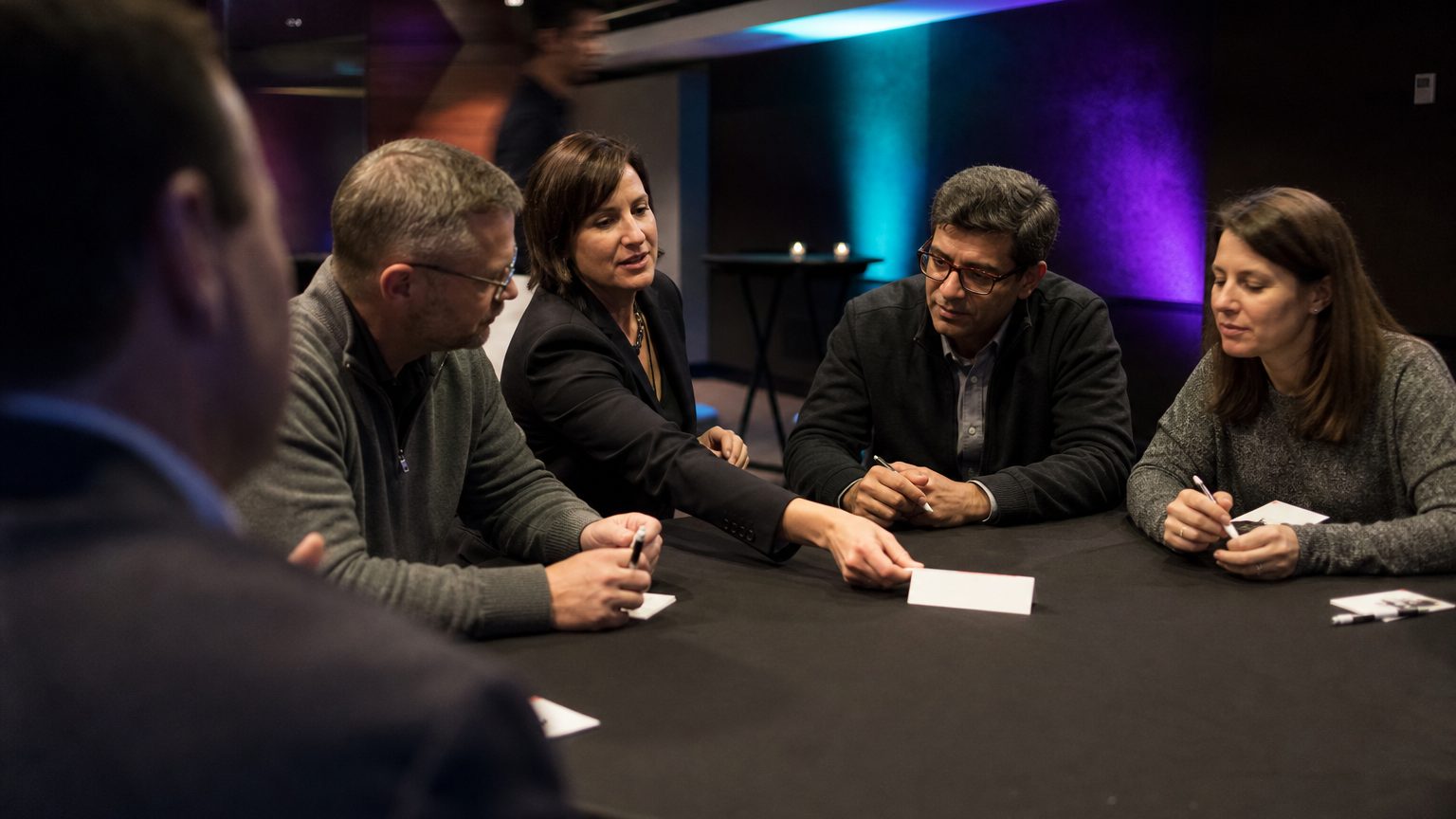
Here is the mechanic almost nobody writes down. Next to each agenda item, put a one-word tag: Decision, Discussion, or Information. Three words, enormous effect. People arrive knowing whether they are being asked to vote, to think out loud, or to listen. It also exposes bad agendas immediately, because a 60-minute meeting with six Information items is not a meeting, it is a newsletter someone made you attend.
Kill the Information items before the meeting starts
Any item tagged Information should be your first candidate for deletion. Status updates, headcount reports, launch recaps: send them as a pre-read and reclaim the minutes. We do this on client kickoffs constantly. A 90-minute agenda usually drops to 55 once the reporting moves to a shared doc, and the discussion improves because everyone has read the same numbers instead of hearing them for the first time in the room.
What to watch out for
The tag has to be honest. Calling something a Decision when leadership has already decided is how you burn trust with a room, and people will notice by the second occurrence. If the call is made, tag it Information and say so. The room will respect you more for it than for the theater of a vote that was never real.
What a Real Agenda Looks Like
Here is where nearly every guide stops short. They tell you to “allot time” and move on. That is like telling a caterer to bring enough food. A usable agenda has literal clock times, a named owner, a tag, and a desired outcome per item. Here is a 60-minute cross-functional planning meeting, filled in the way we actually write them:
| Time | Item | Owner | Tag | Outcome |
|---|---|---|---|---|
| 9:00–9:05 | Frame the decision | Dana | Information | Everyone knows we are leaving with an approved vendor shortlist, not a signed contract |
| 9:05–9:20 | Which two of four vendors clear our budget ceiling? | Priya | Decision | Two names on the board, ranked |
| 9:20–9:40 | What are the deal-breakers on the top two? | Marcus | Discussion | A go/no-go list with blockers assigned |
| 9:40–9:52 | Who owns which follow-up and by when? | Dana | Decision | Dated action items in the shared doc |
| 9:52–10:00 | Buffer and parking lot | Dana | Discussion | Catch overrun, log anything out of scope |
Not discussing today: full contract terms, the 2028 renewal, the CRM migration.
Notice the buffer. It is not padding. There is an old MIT facilitation heuristic that says to pad your time projections by roughly a third, and while we would not treat that as gospel, the instinct behind it is right: real discussion runs long, and an agenda with zero slack is a fiction you abandon by item three. Build in the buffer, label it, and overrun becomes a planned event rather than a small failure.
Time-boxing math that scales
People freeze on time allocation, so make it arithmetic. Reserve the first and last five minutes for framing and follow-up assignment, then divide the remainder across your questions by priority. The rough splits we use:
- 30-minute meeting Frame: 5 min · Working time: 20 min across one or two questions · Close: 5 min
- 60-minute meeting Frame: 5 min · Working time: 45 min across three questions weighted by priority · Close: 10 min including buffer
- 90-minute meeting Frame: 10 min · Working time: 65 min across three or four questions · Close: 15 min including a real break
If you have more than two genuine questions, it is not a 30-minute meeting. And nobody makes a good decision at minute 78 without standing up first.
Put the hardest item first, and schedule for the brain
Whatever sits at the top eats more time than you planned, every time. Attention and energy are highest at the start, so put your highest-stakes question first, not the easy warm-up item. If the meeting gets cut short, you want the thing that mattered already handled. Microsoft’s 2025 workplace telemetry showed meeting volume clustering heavily into the 9-11am and 1-3pm windows, which is exactly when people do their best analytical work. Practical read: if you are running a Decision-heavy agenda, fight for a morning slot, and push the recurring status call to 4pm where it belongs.

How to Collect Agenda Items From Your Team Before the Meeting
There is no magic number of agenda items. The right count is however many questions you can genuinely answer in the time you have, which is usually fewer than you think. Start by drafting the questions yourself, then ask attendees to add or challenge them. Two things happen: you surface the question someone was going to raise mid-meeting anyway, and you get buy-in, because people defend agendas they helped write.
The 48-hour request that actually gets responses
Open-ended requests (“anything to add?”) get silence. Constrained requests get answers. The message we send, 48 hours out, in Slack or email:
Draft agenda for Thursday is in the doc. Two questions on it so far. If you need something decided in this meeting, add it by Wednesday noon with (a) the question in one sentence, (b) what has to be true when we finish, and (c) how many minutes you need. Anything added after noon goes to the next session or gets handled async.
The deadline is the whole trick. So is asking for a minute estimate, because it makes people price their own request. Someone who wants 25 minutes of a 60-minute meeting will usually reconsider once they have to type the number.
Sort async from synchronous before you publish
Once the requests come in, sort them into two piles: things that need live human disagreement, and things that need one person’s sign-off. Approvals, edits, and simple confirmations go to a comment thread with a due date. Trade-offs, resource conflicts, and anything with a political dimension stay live. That sort alone routinely cuts our recurring planning calls by 20 to 30 percent of their scheduled length.
Push back on “just have AI draft it”
The current reflex, echoed across most tool-vendor blogs, is to let AI generate your agenda. It will produce something tidy in four seconds. It will also produce a polished, purposeless list, because it does not know what decision you need. AI is genuinely useful for cleaning up phrasing, converting topics into questions, or reformatting after you have done the thinking. It is a poor substitute for the thinking itself. Write your outcomes first, let the tool tidy second.
The Overrun Protocol Nobody Writes Down
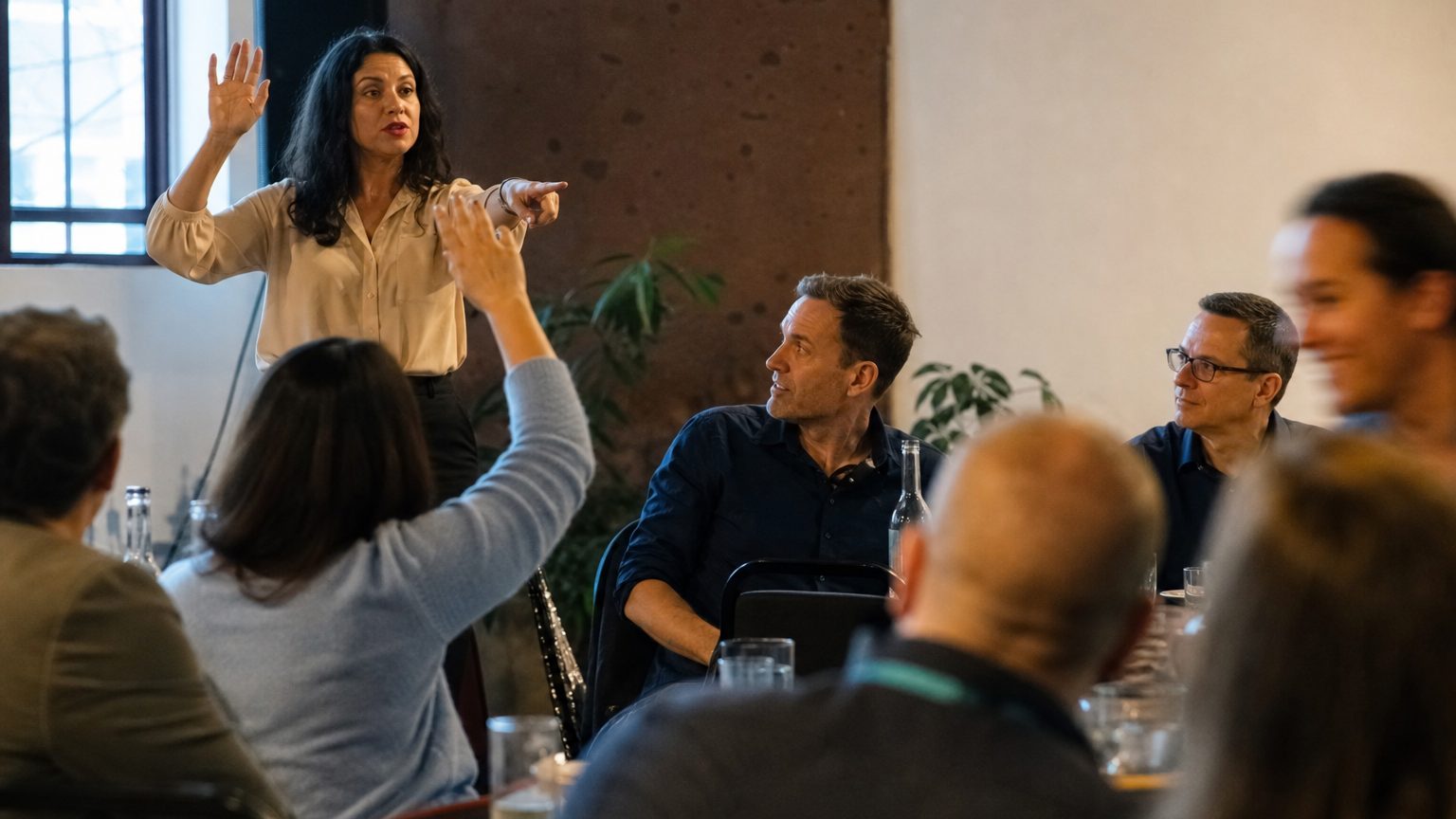
Every guide tells you to time-box. Not one tells you what to say when the box runs out and the room is still arguing. So here is the script, verbatim, and it works because it converts an awkward social moment into a menu:
“We’re at time on this item. Three options: extend five minutes and cut the buffer, table it to email with a decision by Friday, or book a 20-minute follow-up with the three people who actually need to be in it. Which do we want?”
Say it flatly, name the three options, and ask the room to choose. The facilitator is not the bad guy, the clock is. We have run this in rooms of 8 and ballrooms of 400, and the mechanic scales. The one rule: whoever calls the overrun has to log the outcome in the doc before the meeting ends, or the follow-up evaporates.
Run a real parking lot, not a decorative one
A parking lot is only useful if items leave it. Ours has three columns: the item, the owner, and the date it gets resolved. Anything that sits in the lot for two consecutive meetings gets deleted or promoted to its own agenda item. Nothing else. The graveyard of “we’ll get to that” is where most recurring meetings go to die.
Remote and Hybrid Agendas Need Extra Scaffolding
An agenda that works in a conference room can quietly fall apart on video. Skift Meetings coverage of the hybrid meeting era has been consistent on this: the remote audience is a separate operating problem, not an afterthought on the same run sheet.
Time zones, links, and pre-reads
List the meeting time in every relevant zone directly on the agenda. It sounds trivial until someone in London joins an hour late for a “10:00” that was Pacific. Put a backup join link on the agenda itself, because the platform will fail for exactly one important person at exactly the wrong moment. Attach the actual documents, not links to a folder someone has to hunt through.
Add a tech-check item and a remote moderator
Two structural additions that in-person agendas do not need. First, a two-minute tech check as agenda item zero, owned by someone other than the facilitator. Second, a named remote moderator whose only job is to watch chat, raised hands, and the faces of people who have been trying to speak for ninety seconds. Write the name on the agenda. Unassigned, the job goes to nobody, and the remote half of your meeting turns into an audience.
Scale the same discipline to multi-day programs
For the larger conferences and hybrid general sessions we run, this discipline becomes the run-of-show, which is why our approach to conference and meeting planning treats the agenda as the spine of the whole event rather than a formality. A 3-day agenda with 14 sessions has the same failure mode as a 60-minute call: the first item runs long, and everything downstream pays for it. The difference is that on a program floor the cost shows up as a delayed buffet and 300 people standing in a hallway.
Turn the Agenda Into a Post-Meeting Accountability System
Most competitors treat the agenda as a pre-meeting artifact. It should be the whole lifecycle document. The move: reopen the same file after the meeting and write the outcome directly under each item, with an owner and a date. No separate notes doc, no summary email that nobody opens.
Three fields, no more
Under each agenda item, capture only: what we decided, who owns the next step, and by when. Anything richer becomes a transcript nobody reads. Anything thinner becomes “we discussed it.” Recurring meetings then start by reading last session’s outcomes aloud, which takes 90 seconds and does more for follow-through than any project management tool.
Send it within an hour
Lead time on the way in matters, and so does lead time on the way out. Send the annotated agenda within an hour while the room still remembers the nuance. Our practical rule for distribution overall: 24 hours ahead for a standard working session, 48 for anything with pre-reads or numbers to review, one hour after for outcomes.
How to Tell Whether the Agenda Worked
Nobody measures this, which is strange for a document that governs 23 hours of an executive’s week. Three cheap metrics, tracked over a quarter:
- Decision rate Definition: items tagged Decision that actually got decided · Target: above 80% · Signal if low: too many questions per meeting
- Overrun frequency Definition: sessions that used the buffer or ran past end time · Target: under 25% · Signal if high: your time boxes are fantasy, not the room’s fault
- Action completion Definition: dated follow-ups closed by their due date · Target: above 75% · Signal if low: owners were assigned in the room but never confirmed
Watch out for the vanity version of this, which is measuring meeting satisfaction. People rate meetings well when they were pleasant. The agenda’s job is not pleasant, it is decided. Track outcomes, not mood.
Get Help Building the Spine of Your Next Program
Agenda discipline is the same muscle whether you are running a 60-minute vendor call or a 3-day national sales meeting in Nashville with 400 attendees and a general session that cannot slip. If you are scoping a 2027 or 2028 conference, incentive program, or multi-day meeting and want the run-of-show built by people who have watched it go sideways in forty different ways, talk to our team. We will walk your agenda before we ever talk about venues.